


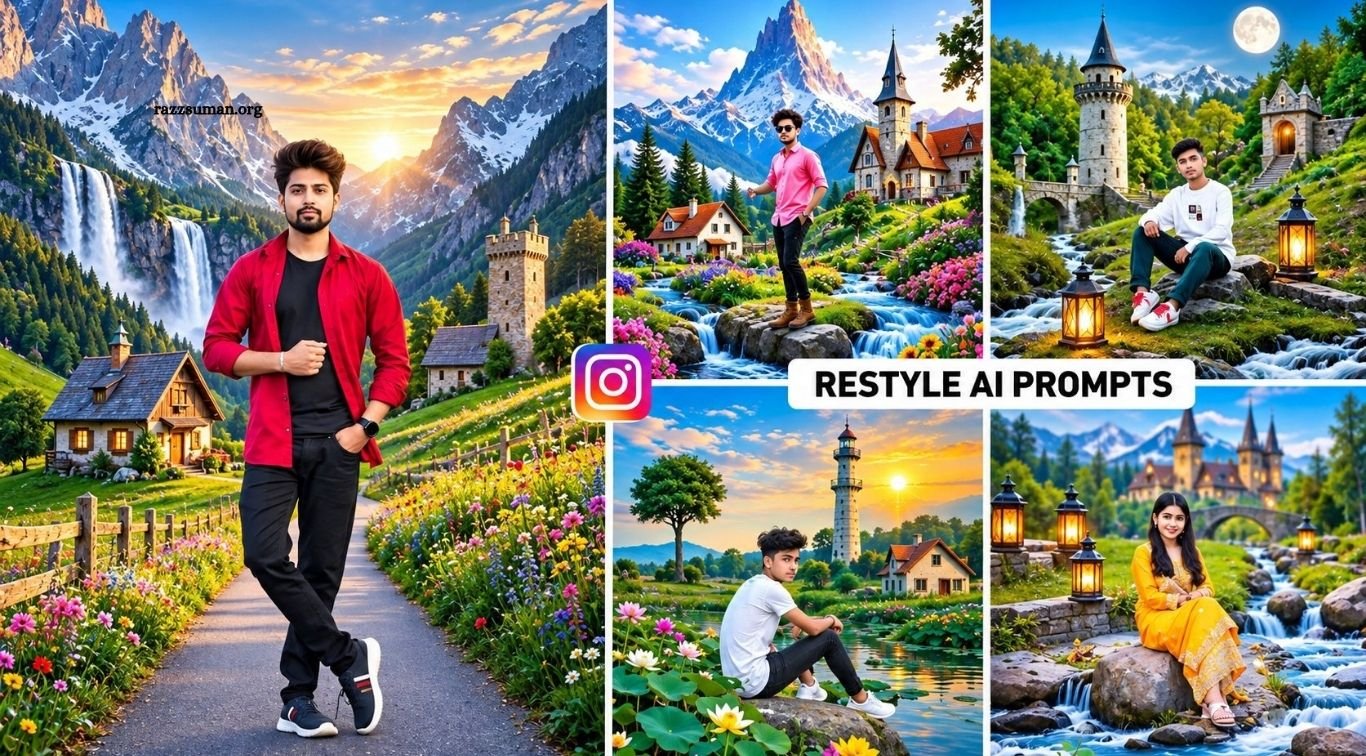
Instagram Restyle AI Prompts make photo editing faster, easier, and more creative. Instagram’s new Restyle AI Tool appears while uploading Stories and allows users to transform photos with ready-made filters or custom prompts. From Lofi Dusk and Night Glow effects to background changes and cinematic styles, users can now create attractive edits within seconds without relying on multiple editing apps.
In this article, we will share useful Instagram Restyle prompts for natural scenery, fantasy locations, cinematic backgrounds, and creative photo effects. You can use these prompts to quickly transform your original photos and create stylish results similar to popular AI-edited images shared across Instagram.
Read More: Cinematic Sunset Beach AI Photo Editing Prompts for ChatGPT
About the Given Photos and Their Prompts
As shown in the thumbnail, one original photo and two AI-edited versions are included for comparison. The original portrait has been transformed into beautiful natural environments featuring high mountains, waterfalls, colorful flowers, green valleys, cozy cottages, stone structures, and warm sunset lighting. These elements give the images a cinematic and visually appealing appearance.
Similar results can be created by using detailed AI prompts that clearly describe the background, lighting, weather, scenery, and other visual elements. The more specific the prompt is, the better the AI can understand the desired result. In this article, we have shared several useful prompts along with example images, making it easier for you to create attractive and realistic Restyle AI photo edits.
Can I Use These Prompts in ChatGPT and Gemini?
Yes, these prompts can also be used with AI tools such as ChatGPT and Gemini. If the prompt includes clear details about the landscape, mountains, waterfalls, flowers, cottages, lighting, weather, and overall style, the AI can generate a new image or restyle an existing photo according to those instructions. Results may vary depending on the AI model, but detailed prompts generally produce more realistic and visually appealing images.
ChatGPT and Gemini are also useful alternatives when Instagram Restyle does not generate the desired result or when you reach its daily usage limit. You can simply use the same prompt in a supported AI image-generation tool and continue creating similar cinematic, natural, or fantasy-style photo edits.
Instagram Restyle AI Prompts
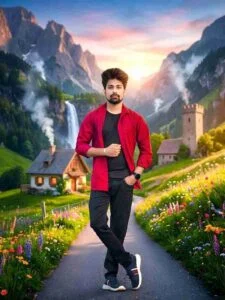
Change the background of this photo completely. Create a calm, green, natural scene in it. It should have a high mountain and a blue sunset sky. There should also be green trees and plants along with colorful flowers on the sides. There should also be smoke coming out of the chimney. A cozy cottage and a tall stone tower. A waterfall falling from the mountain.

Change the background in this photo completely, creating a calm natural scene. It should have a high mountain, a waterfall, and a clear river. There should be lush green plants and colorful flowers on the banks. There should also be smoke coming out of a chimney, a cozy cottage, and a tall stone tower on a hill in golden sunlight with light mist.
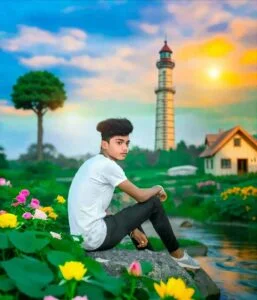
Completely change the background in this photo to include high mountains with a sunset and blue sky, a waterfall flowing into a calm river, colorful flowers on the bank, a cozy wooden house with warm light, and an ancient stone tower reflecting golden light on a hill…
Create a Photo Using Instagram Restyle AI Prompts
Before using Instagram Restyle AI, update the Instagram app from the Google Play Store or Apple App Store. Open Instagram, tap the + icon, select Story, and choose a photo from your gallery. After selecting the image, look for the Restyle option in the editing tools and tap it to begin.
You can apply a ready-made style or create a custom edit using an AI prompt. To use a prompt, open the prompt box, describe the photo style you want, or copy one of the Instagram Restyle AI prompts shared in this article. Paste the prompt, tap Generate, and Instagram will process your image according to the provided instructions.
Frequently Asked Questions
What are Instagram Restyle prompts?
They are AI instructions used to transform photos into different creative styles.
How do I use Instagram Restyle prompts?
Open Restyle, enter your prompt, and generate the edited photo.
Can Restyle prompts change photo backgrounds?
Yes, prompts can replace or enhance backgrounds with custom scenes.
Can I use these prompts in ChatGPT or Gemini?
Yes, many prompts also work with supported AI image tools.
Do detailed prompts give better results?
Yes, clear details about lighting, scenery, and style usually improve results.
Is Instagram Restyle AI free to use?
Availability and usage limits may depend on your account, region, and Instagram version.
Conclusion
Instagram Restyle AI makes photo editing simple, fast, and creative by allowing users to transform ordinary images with custom prompts. With the right instructions, you can create cinematic backgrounds, natural landscapes, fantasy scenes, and stylish effects without using multiple editing apps. The best Instagram Restyle prompts help you achieve more accurate and attractive results by clearly describing the scene, lighting, colors, and overall style.

1 Comment
Pingback: Viral 3-Layer Rainy Road AI Editing Prompts for Boys, Girls & Couples - razzsuman.org