


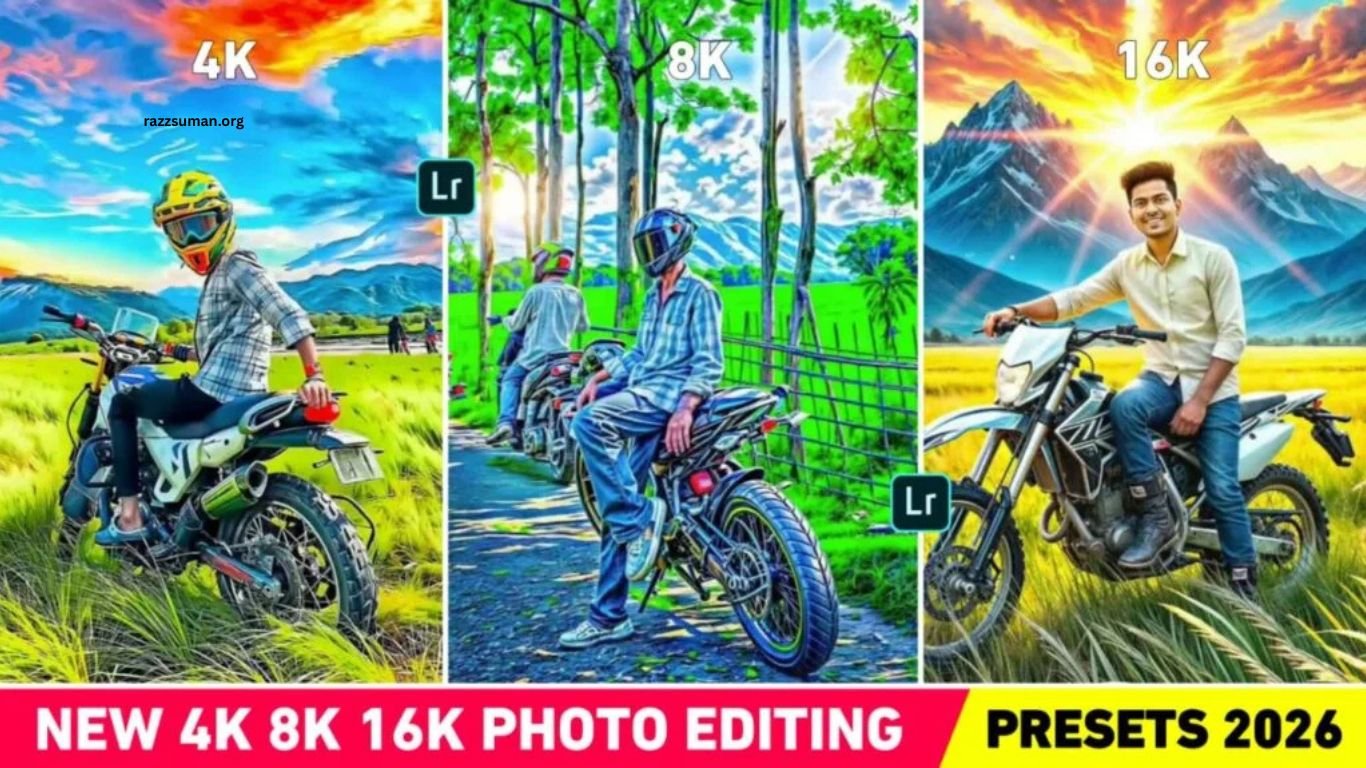
Lightroom 4K, 8K & 16K Presets can help transform ordinary photos into sharper, clearer, and more detailed images. Even with a high-quality smartphone or DSLR camera, photos may require additional editing to achieve a professional HD look. While many photo enhancer apps and AI tools promise better quality, some can reduce image quality or alter facial details.
Lightroom offers a more controlled way to enhance photos without relying on third-party enhancer apps. With the right 4K, 8K, or 16K preset, you can improve clarity, sharpness, details, and overall appearance while maintaining a natural look. In this guide, we will share Lightroom presets designed to enhance different types of photos with professional-quality results.
Read More: 15 August CapCut Reels Editing Template | Complete Guide
Details of Lightroom 4K, 8K & 16K Photo Editing Presets
We have featured three different photo styles in the thumbnail, and all images have been edited using Lightroom. The presets are provided in DNG format, allowing you to copy the preset settings and apply them directly to your photos. Once applied, the image can get a sharper HDR-style appearance with improved details, clarity, colors, and overall quality.
Results may vary depending on the original photo, lighting, and camera quality. If the preset does not produce the desired result, you can fine-tune the image using Lightroom’s Light, Color, and Detail tools. For portrait photos, adjusting the orange color by lowering saturation and increasing luminance can help create a more natural skin tone. We have included multiple preset variations, so you can try different options and choose the one that delivers the best result for your photo.
What To Do If the Presets Don’t Make the Photo HD?
We have included three to four different Lightroom presets, so you can try another preset if the first one does not deliver the desired result. Preset performance can vary depending on the original photo, lighting, and image quality. Trying different settings can help you find the preset that works best for your image.
If none of the presets provide the expected result, you can consider using Krea AI for further enhancement. It can improve image resolution and add more visible details, although AI enhancement may sometimes change facial features. In such cases, PicsArt can help with additional adjustments. For the best wor
4k 8k 16k Presets
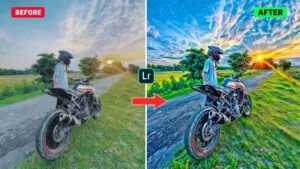
How to Use 4K, 8K & 16K Photo Editing Lightroom Presets
Using Lightroom presets is a simple way to enhance your photos with better clarity, detail, and an HD-style appearance. First, download and save the provided DNG presets to your phone. Open your gallery, select a preset, tap the Share option, and import it into the Lightroom app. Once the preset opens in Lightroom, tap the three-dot menu, select Copy Settings, choose the required editing tools, and copy the settings.
Next, open the photo you want to enhance in Lightroom, tap the three-dot menu, and select Paste Settings. The preset settings will immediately be applied to your photo. If the result does not look natural, adjust the Light, Color, Detail, and other editing tools according to your preference. Since multiple presets are included, try each one to find the option that produces the best result for your particular photo.
Frequently Asked Questions
What are Lightroom 4K, 8K, and 16K presets?
These presets help enhance photo clarity, sharpness, colors, and overall image details in Lightroom.
How do I use Lightroom DNG presets?
Import the DNG preset into Lightroom, copy its settings, and paste them onto your selected photo.
Can these presets create an HDR look?
Yes, these presets can give photos a sharper and more detailed HDR-style appearance.
Will every preset work on every photo?
Results can vary depending on lighting, colors, and the original quality of the photo.
Can I customize the preset after applying it?
Yes, you can adjust Light, Color, Detail, and other Lightroom settings for better results.
Are multiple presets included?
Yes, multiple preset variations can be tried to find the best result for your photo.
Conclusion
Lightroom 4K, 8K & 16K presets provide an easy way to enhance photos with improved clarity, sharpness, colors, and details. With multiple preset options, you can experiment with different looks and create an attractive HD or HDR-style finish. For the best results, apply the preset that suits your photo and customize the settings when required. These Lightroom presets can make photo editing faster and more convenient, even for beginners.
