


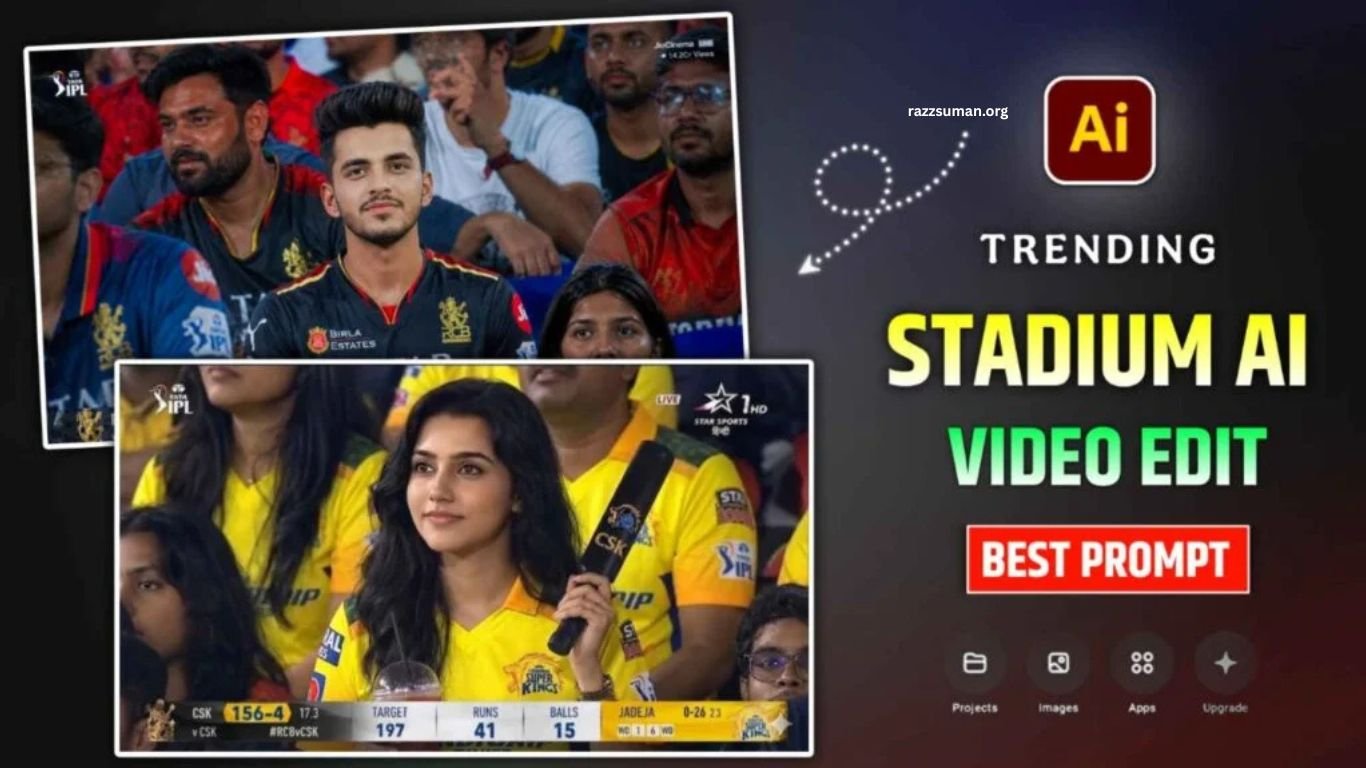
Cricket fans are passionate about watching live matches in stadiums, especially when their favorite players or teams are playing. A recent Instagram trend has taken this excitement further, allowing users to create AI videos that make it appear as though they are sitting inside a cricket stadium while the live broadcast camera focuses on them.
These videos create a realistic broadcast-style experience, often showing fans alongside popular cricketers such as Virat Kohli or MS Dhoni. Known as Cricket Stadium AI Video Editing or Broadcast AI Reels Editing, this trend is gaining attention across social media. In this article, you will learn how to create similar cricket stadium AI videos using simple AI prompts and editing techniques.
Read More: ChatGPT Aesthetic Profile DP Editing Prompts | Best Aesthetic DP Prompts
Details of Cricket Stadium AI Video Editing
Cricket Stadium AI Video Editing creates a realistic scene using your photo, making it appear as though you are sitting in a packed cricket stadium while the broadcast camera focuses directly on you. AI can also create a live-commentary effect, making the video feel like a real cricket broadcast where commentators are discussing the moment.
Creating this type of video generally requires two prompts. First, you need an AI image prompt to generate a realistic stadium photo using Google Gemini or ChatGPT. You can customize the image by adding your favorite team or player. Next, the generated image can be converted into a realistic video using Flow AI with a suitable video prompt. This simple two-step process helps create engaging broadcast-style cricket reels for social media.
Create Cricket Stadium AI Photo Using Gemini Prompt
You can easily create a realistic cricket stadium photo using the prompt provided in this article with Google Gemini or ChatGPT. However, Gemini is recommended because it can produce a more accurate facial match when you provide a high-quality reference selfie. For better results, use a clear photo where your face is properly visible and well-lit.
To create the image, open Gemini and select the Create Image option. Choose Media, upload your reference selfie, and paste the provided photo-generation prompt. After submitting the prompt, Gemini will generate your cricket stadium image. If the first result does not look perfect, try refining the prompt or generating the image again. Once satisfied, open the image, check the details, and use the Save option to download it. You can follow the same process through the Gemini app after signing in with your Google account.
Cricket Stadium AI Photo Prompt
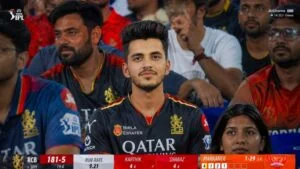
Realistic sports broadcast screenshot-style documentary photo taken in the spectator stands of an IPL match, 16:9 ratio. The person from the uploaded image is sitting in the stadium crowd, looking toward the field with an intense, focused expression and a slight smile. Natural Indian look, soft glowing skin, realistic facial details, straight posture, wearing an authentic RCB jersey. Crowded stadium background, cinematic sports lighting, candid fan moment, ultra-realistic photography, slightly zoomed-out framing, live broadcast atmosphere, depth of field, professional zoom lens feel.
How To Create Cricket Stadium AI Video Using Flow AI?
Google Flow is a powerful AI filmmaking tool for turning images into realistic video clips. It supports image references, ingredients, frames, and detailed text prompts, making it suitable for creating broadcast-style cricket stadium videos. To create your Cricket Stadium AI Video, upload the photo generated with Gemini into Flow, select the video option, add the provided prompt, and generate the clip. For better results, describe the camera movement, stadium atmosphere, crowd reactions, lighting, and broadcast-style presentation clearly.
Flow supports image-to-video generation through reference images and offers different Veo models for video creation. The process is simple: first prepare your Gemini-generated cricket stadium photo, then add it to Google Flow as a visual reference, enter the video prompt, select your preferred settings, and generate the video. You can create multiple variations and choose the most realistic result for your Instagram Reel.
Video Create Prompt
Realistic live sports broadcast celebrity-cam moment in a packed IPL stadium, 16:9 ratio. The person from the reference image is sitting naturally in the crowd wearing an RCB jersey. After noticing the camera, they give a soft, natural smile and casually raise one hand for a small “hi” gesture. No overacting or exaggerated reaction, just a calm, candid moment. Preserve exact facial identity, hairstyle, skin tone, and outfit from the reference image. Cinematic stadium lighting, realistic Indian crowd atmosphere, shallow depth of field, telephoto sports lens look, ultra-realistic live TV broadcast style
Frequently Asked Questions
What is Cricket Stadium AI Video Editing?
Cricket Stadium AI Video Editing creates realistic cricket broadcast-style videos using AI-generated images and video prompts.
Which AI tool is best for creating cricket stadium photos?
Google Gemini is a useful option for creating realistic cricket stadium photos with a reference selfie.
Can I use my own photo for this AI video?
Yes, you can upload a clear selfie as a reference to create a more realistic AI cricket stadium video.
Which tool can convert the photo into a video?
Google Flow can turn your AI-generated cricket stadium image into a realistic video using a suitable prompt.
Can I add my favorite cricketer?
Yes, you can customize the image prompt to include your favorite cricketer or cricket team.
Are Cricket Stadium AI videos suitable for Instagram Reels?
Yes, these broadcast-style AI videos can be edited into engaging Instagram Reels and shared on social media.
Conclusion
Cricket Stadium AI Video Editing offers a simple way to create realistic broadcast-style cricket reels using AI tools. With a clear reference photo, a suitable Gemini image prompt, and a Flow AI video prompt, you can create an engaging stadium experience featuring your favorite team or player. This trend is ideal for cricket fans who want to create unique social media content without advanced editing skills.
