


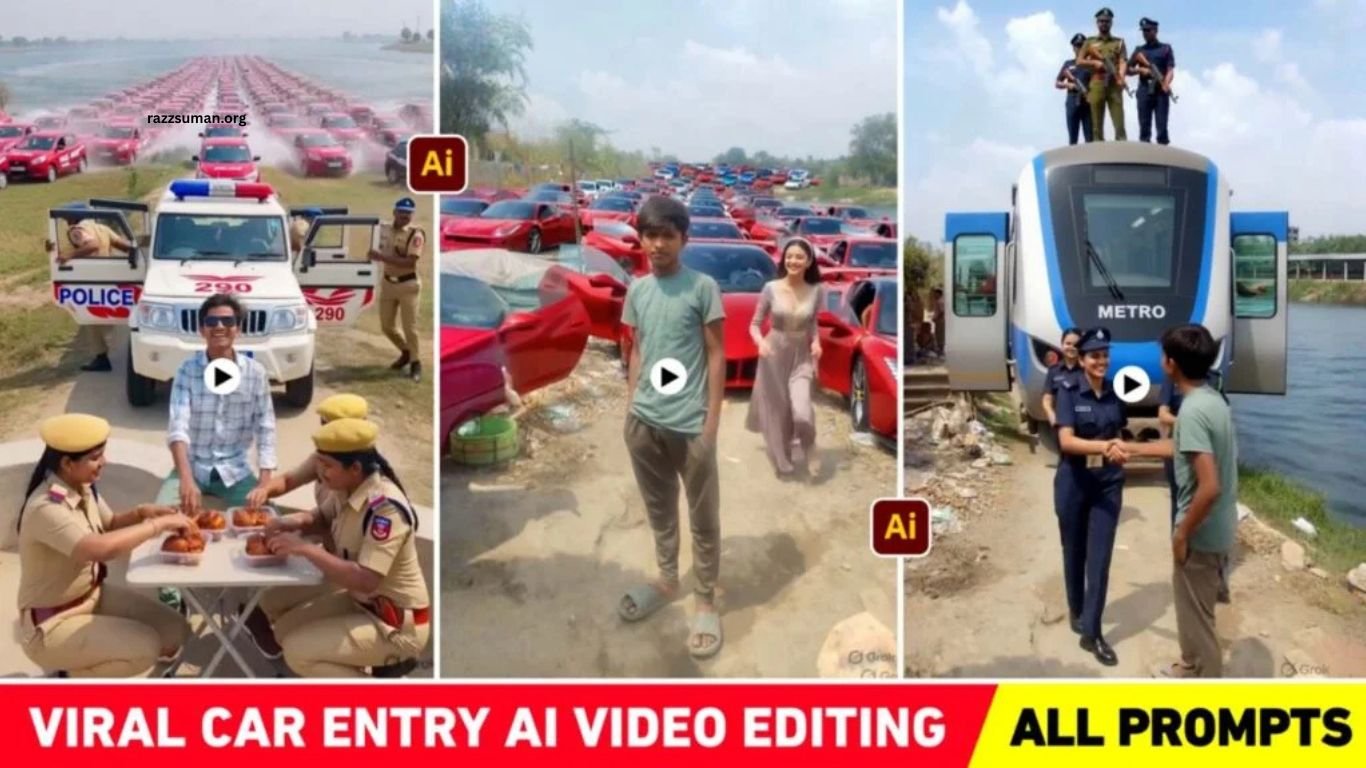
Police Car Entry AI Video Editing is becoming popular on Instagram, with creators turning simple photos into engaging, cinematic videos. AI video tools now make it possible to create unique police car entry scenes by combining a personal photo with the right prompt. These creative videos are gaining attention quickly, making AI editing a trending content style for Instagram users.
Google Flow AI can help create these videos by transforming your photo according to the prompt you provide. Earlier, many creators used Grok AI for similar video effects, but Flow AI has become a popular choice for generating detailed AI videos. In this article, you will find useful prompts and simple guidance for creating a viral-style Police Car Entry AI Video and sharing it on Instagram.
Read More: Sawan Bol Bam AI Photo Editing Prompts 2026 | ChatGPT & Gemini
Breakdown of Police Car Entry AI Video Editing
Police Car Entry AI videos are trending because they combine ordinary photos with unexpected and entertaining scenes. Typically, a person remains standing in the frame while a car, bus, train, or other vehicle approaches from behind. The scene can become even more engaging when a police officer, celebrity, or another character steps out and interacts with the person. Some creators add funny elements, such as a table, chair, or food, creating surprising moments that attract viewers on Instagram Reels and YouTube Shorts.
Creating this type of AI video works best with a clear photo featuring an open and simple background. A road, light greenery, trees, or plants can provide enough space for AI tools to blend the vehicle and other elements naturally. Choosing the right photo and using a detailed prompt can make the final video look more realistic, creative, and entertaining.
Why Should Such Videos Be Made Only With Flow AI?
Several AI platforms can create entertaining videos from photos and prompts, but Flow AI has become a popular choice for this type of content. Earlier, many creators used Grok AI for similar videos, while users with video-generation access through Google Gemini can also explore this editing style. However, Flow AI stands out for its simple workflow and strong prompt-based video generation.
Flow AI allows creators to turn both images and text prompts into engaging videos with detailed scenes and movements. By providing a clear prompt, you can guide the AI to create the desired vehicle entry, character interaction, or funny moment. The process is straightforward, making Flow AI a convenient option for creating creative Instagram Reels and other short-form videos.
Car Entry AI Video Prompts
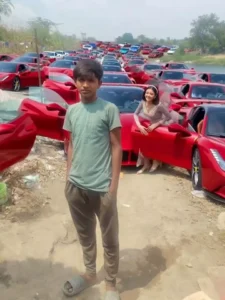
A cinematic rural roadside scene in daylight. A simple young man stands casually at the center, looking slightly confused. Suddenly, dozens of luxury sports cars (red, blue, white) rush in behind him, creating dust, motion blur, and a dramatic entry. The cars stop in perfect sync. From the two front cars, two elegant girls in matching long dresses step out and walk toward the boy in slow motion, soft wind moving their hair and dresses. The parked cars create a powerful, rich backdrop. The girls reach him, smile, and shake hands as the boy looks surprised and proud. Smooth tracking camera, slight zoom, shallow depth of field, realistic lighting, dust particles, soft sunlight, 4K cinematic reel style. Duration: 8 seconds.
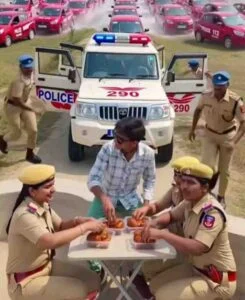
Cinematic wide-angle shot on a rural riverside road. A white police jeep with flashing red–blue lights stands in front, both doors open. A young man with sunglasses sits confidently before the jeep. Two female police officers set plates of crispy fried chicken on a small folding table for him. In the background, hundreds of identical red cars race through shallow water in perfect symmetry, creating dramatic splashes, dust, and haze with sunlight reflections. The camera slowly zooms in as the man reacts excitedly while officers keep serving food. Add slow-motion shots of water splashes, synchronized cars, and food placement. Ultra-realistic, cinematic 4K, dramatic lighting, depth of field, action-comedy vibe.
Car Entry AI Video Editing
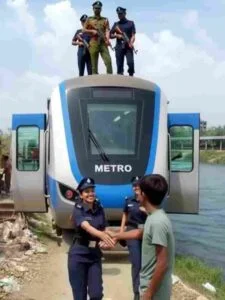
A cinematic rural Indian riverside scene. A teenage boy stands on a narrow dirt path beside a canal, wearing casual clothes, looking confused. Behind him, two modern metro trains speed across the water like amphibious vehicles, creating splashes. Police officers stand balanced on top of both trains. The trains slow down and stop right behind the boy. He turns in surprise as officers jump down and walk toward him. A senior officer smiles and shakes his hand, creating a friendly, respectful moment. Ultra-realistic daylight, rural huts and trees, water reflections, shallow depth of field, smooth dolly-in camera, 4K cinematic look, dramatic yet positive tone.
Create Police Car Entry AI Video Using Flow AI Prompts
Creating a Police Car Entry AI Video with Flow AI is simple when you have the right image and prompt. Start by selecting a suitable prompt based on the type of scene you want to create. Open Flow AI, choose Create with Flow, and sign in with your Google account. Create a new project, select the video option, choose portrait mode, set the required format, and upload a clear photo as your starting frame.
Once the photo is uploaded, select it as the start frame and paste your chosen prompt into the chat box. Click Send and allow Flow AI to generate the video. After processing, preview the result to check the movements, background, and overall quality. If the output looks good, save it for your Instagram Reel. If the result does not match your expectations, adjust the prompt and generate another version.
Frequently Asked Questions
What is Police Car Entry AI Video Editing?
It is an AI video style where a vehicle enters a scene and interacts with a person using an uploaded photo and prompt.
Which AI tool can create Police Car Entry videos?
Google Flow AI is a popular tool for creating these videos from images and text prompts.
Can I create a Police Car Entry video from one photo?
Yes, Flow AI can use a suitable photo as a starting frame to generate the video.
Which photo works best for this AI video?
Use a clear photo with an open background, such as a road, trees, or light greenery.
Can these AI videos be posted on Instagram?
Yes, you can save the generated video and share it as an Instagram Reel.
Why does my AI video look different from the prompt?
AI-generated results can vary, so try a more detailed prompt or regenerate the video for better results.
Conclusion
Police Car Entry AI Video Editing offers a creative way to turn ordinary photos into entertaining Instagram Reels. With Flow AI, users can combine a suitable photo with a detailed prompt to create unique vehicle-entry scenes, funny interactions, and engaging visual effects. Choosing a clear photo, writing an accurate prompt, and generating multiple versions can improve the final result.
