


Mirror Selfie AI Prompt – AI-powered photo editing has become a major trend on social media, making it easier than ever to transform ordinary pictures into stylish, creative visuals. Meta AI’s Restyle feature on Instagram has made this process even simpler, allowing users to enhance their photos directly within the app. Mirror selfie edits are especially popular, with users experimenting with different styles, effects, and visual themes to create eye-catching images.
Instagram’s My Style and Restyle options offer several ready-made effects, while the Custom feature lets users describe their preferred look with a simple prompt. This makes it possible to transform a regular mirror selfie without using separate AI websites or applications. In this article, we’ll explore the viral Mirror Selfie AI trend, explain how to create it with Meta AI, and share useful Restyle prompts and filter ideas for stunning results.
Read More: Neon Glowing Profile Picture Editing Prompt | DP Edit Prompt
Meta AI Restyle Mirror Selfie Photo Editing
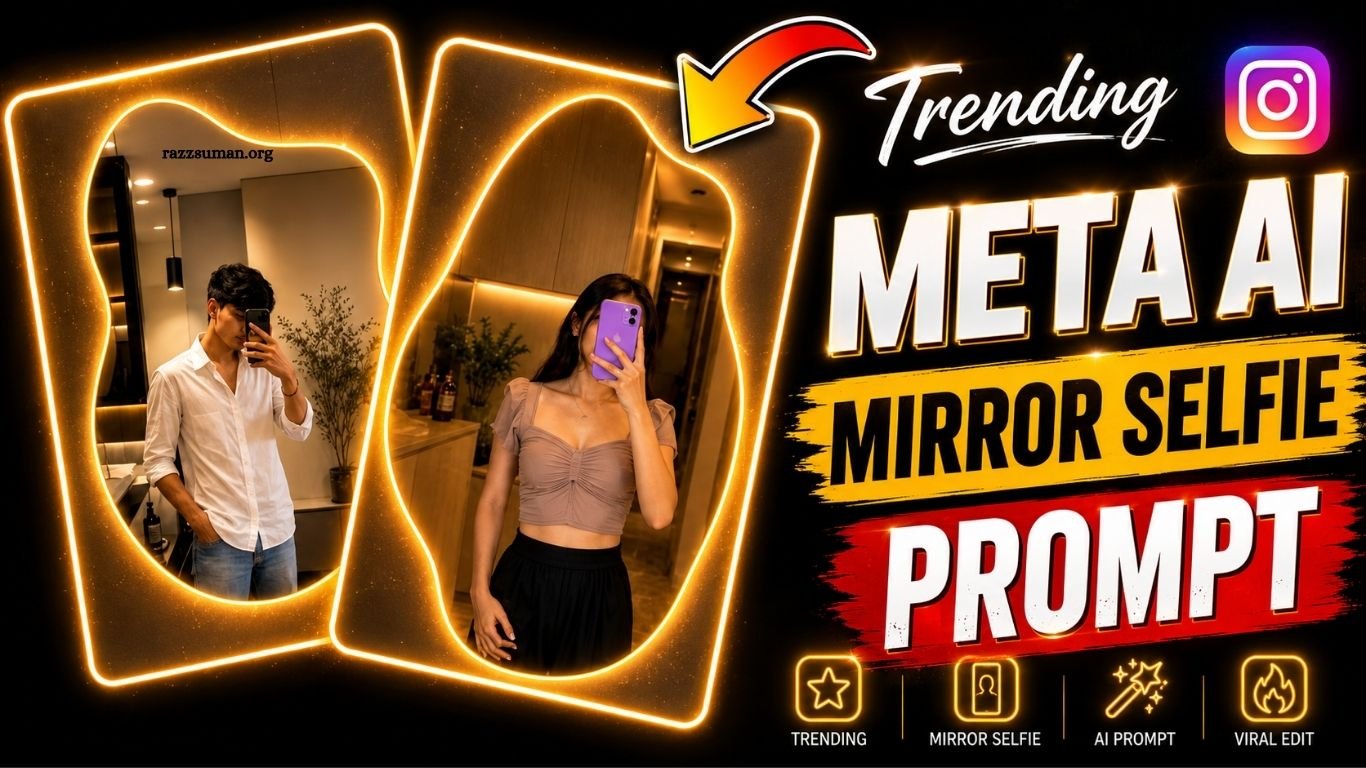
The photos above are great examples of the modern Mirror Selfie trend. Both images feature a stylish, irregularly shaped mirror, warm ambient lighting, and a clean, well-decorated interior that creates an elegant Instagram-ready look. In the first image, a young woman takes a selfie while holding a colorful phone, wearing a light pink top and simple jewelry. The second image shows a young man in a white shirt posing in a similarly stylish room with plants, furniture, and soft lighting in the background.
For the best results, start with a clear photo taken directly in front of a mirror. Once you have your photo, use the Meta AI Restyle feature and enter a suitable prompt to transform the image according to your preferred style. Below, you’ll find a ready-to-use prompt along with simple instructions for creating this popular Mirror Selfie effect.
Mirror Selfie AI Prompt

1. Transform the uploaded mirror selfie into a sophisticated luxury LED mirror portrait. Replace the current mirror frame with an elegant, irregular, organically shaped mirror design, surrounded by a soft, warm golden LED backlight that creates a subtle glow along the entire outer edge. Keep the subject the same, preserving their identity, appearance, pose, clothing, and overall composition

Add strong, realistic long-exposure across the entire subject as if captured while moving, vintage film aesthetic, natural lighting, land unchanged facial features.
How to Create Photos Using Instagram Meta AI?
Creating a stylish Mirror Selfie with Instagram Meta AI is simple and requires only a few steps. Open Instagram, create a new Story, and select the photo you want to edit from your gallery. After adding the image, tap My Style or Restyle and explore the available effects. For a personalized result, select Custom and enter your preferred editing prompt in the chat box. Meta AI will then transform your photo based on the instructions you provide.
For better results, include specific details such as the mirror design, room lighting, outfit, background, and overall atmosphere in your prompt. If the generated image doesn’t match your expectations, make small changes to the instructions and try again. Since results can vary depending on the original photo, experimenting with different prompts can help you achieve the desired Mirror Selfie style.
Frequently Asked Questions
What is a Meta AI Restyle Mirror Selfie Prompt?
It is a text instruction used to transform a regular mirror selfie into a stylish AI-edited photo.
How do I use Meta AI Restyle on Instagram?
Open Instagram Stories, add your photo, select Restyle or My Style, and enter your custom prompt.
Can I create realistic mirror selfies with Meta AI?
Yes, detailed prompts can help create realistic lighting, backgrounds, outfits, and mirror styles.
Is Meta AI Restyle free on Instagram?
Meta AI features may be available for free, but availability can vary by region and account.
What should I include in a Mirror Selfie prompt?
Mention details such as the mirror, outfit, lighting, room, background, pose, and overall aesthetic.
Why does my AI photo look different each time?
AI-generated results can vary based on the original image and the exact wording of your prompt.
Conclusion
The Meta AI Restyle Mirror Selfie Photo Editing Prompt makes it easy to give ordinary selfies a stylish and modern look directly through Instagram. By using the Custom option and providing clear details about the mirror, lighting, outfit, and background, you can create more personalized results. Experiment with different prompts and styles to find the perfect Mirror Selfie look for your Instagram photos.

1 Comment
Pingback: Raksha Bandhan AI Photo Editing Prompt 2026 | Best Rakhi AI Prompts - razzsuman.org