


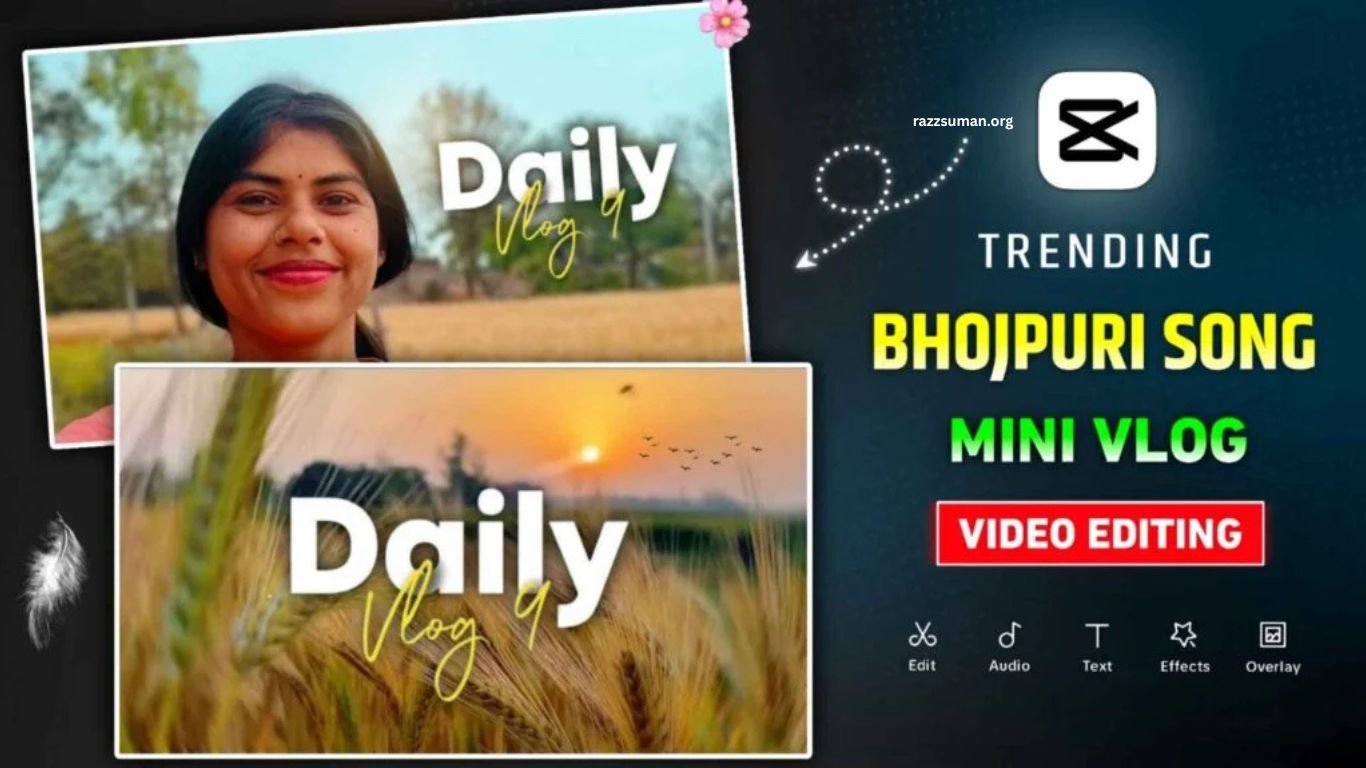
Daily Mini Vlog videos have become a popular trend on Instagram and other social media platforms. These short, creative videos usually combine daily-life clips, smooth transitions, music, and stylish effects to create an engaging mini vlog. Many creators use VN and CapCut to edit these videos, but beginners may find it difficult to create the same professional look from scratch.
The good news is that you do not need advanced editing skills to create a trending mini vlog. With ready-made VN and CapCut templates, you can simply add your photos or video clips and customize the template within minutes. In this article, we will share useful Mini Vlog templates that can help you create attractive videos quickly and easily.
Read More: Cricket Stadium AI Video Editing 2026 | Broadcast-Style AI Video Prompt
Complete Guide to Daily Mini Vlog Video Editing
Creating a Daily Mini Vlog has become much easier with ready-made CapCut and VN templates. These templates already include transitions, effects, timing, and music synchronization, so you only need to replace the existing clips with your own videos. Since Bhojpuri songs are currently popular in many Mini Vlog videos, you can also find templates designed around this style. We have included several VN templates along with CapCut options, giving you different styles to choose from.
Before starting your edit, explore the available templates and select one that matches your preferred song and video style. Add your clips and let the template handle the editing automatically. VN templates generally offer limited customization, while CapCut templates allow you to adjust elements more easily. For a complete Mini Vlog, prepare around 15–16 short video clips beforehand so you can create a smooth and engaging final video.
How to Create a Mini Vlog Video Using a VN Template?
Creating a Mini Vlog with a VN template is simple, even if you have little editing experience. First, find the VN code you want to use and save it to your device. Then install the VN Video Editor from the Play Store or App Store. Open the app, tap the Scanner option in the top-right corner, and scan the VN code. You can also import the saved code directly from your device. Once the template loads, you can preview the style and see how your final Mini Vlog will look.
After selecting the template, tap the download option and add your video clips from the gallery according to the template. For the best result, choose clips that match the template’s timing and style. Once all the required clips have been added, tap Next to process the video. VN will automatically apply the template’s transitions, effects, and timing, allowing you to create a stylish Mini Vlog with minimal editing effort.
Mini Vlog Vn Template
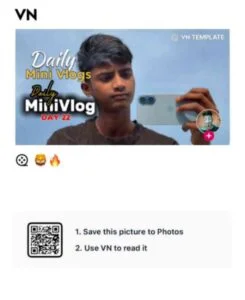
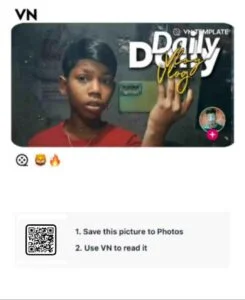
Mini Vlog Vn Template


How to Use the Daily Mini Vlog CapCut Template?
Creating a Daily Mini Vlog with a CapCut template is quick and beginner-friendly. Before starting, prepare all the video clips you want to include and make sure you have the latest version of CapCut installed on your device. In the template section, choose your preferred Mini Vlog template and tap Check Template below the preview. You will then be redirected to CapCut, where you can select the Use Template option and add your clips according to the template requirements.
Once you have added all the clips, tap Next, and CapCut will automatically create your Mini Vlog with the selected effects, transitions, and timing. If you want to make further changes, use the Edit More option to customize different elements of the video. You can adjust transitions, modify the Mini Vlog text style, change effects, and make other edits to give your video a more personal and professional look.
Frequently Asked Questions
What is a Daily Mini Vlog template?
A ready-made template for creating short daily-life videos with effects, music, and transitions.
Can beginners use VN Mini Vlog templates?
Yes, VN templates are easy to use and require little editing experience.
How do CapCut Mini Vlog templates work?
Add your video clips to the template, and CapCut automatically applies its effects and transitions.
Which is better, VN or CapCut templates?
Both are useful, but CapCut usually offers more customization options.
How many clips are needed for a Mini Vlog?
Most templates work best with around 15–16 short video clips.
Can I customize a Mini Vlog template?
Yes, CapCut allows you to edit text, transitions, effects, and other elements.
Conclusion
Daily Mini Vlog videos are a simple and creative way to share your daily moments on social media. With VN and CapCut templates, you can create stylish videos without advanced editing skills. Simply choose a suitable template, add your clips, customize the available elements, and create your Mini Vlog within minutes. Whether you prefer VN or CapCut, these templates make video editing faster, easier, and more enjoyable.
