


Google Gemini AI Photo Enhancer — In today’s social media landscape, high-quality visuals play an important role in growing your Instagram profile. Simply posting photos is not enough; image quality, clarity, and detail can make a significant difference in attracting likes and engagement. With the rise of AI-powered tools, enhancing and editing photos has become easier than ever, allowing users to improve their images without advanced editing skills.
Previously, apps like Remini, PicsArt, and Magic Eraser were widely used to enhance photo quality. However, tools like Google Gemini and ChatGPT have introduced a new approach to AI photo editing. With the right Google Gemini photo enhancer prompt, you can enhance blurry or low-quality images and give them a sharper, high-definition look. In this article, we’ll share useful Gemini prompts that can help you transform your photos into clearer, more impressive visuals.
Read More: Holi Bike And Car AI Photo Editing Prompts 2026
Details of AI Photo Enhancer Prompt
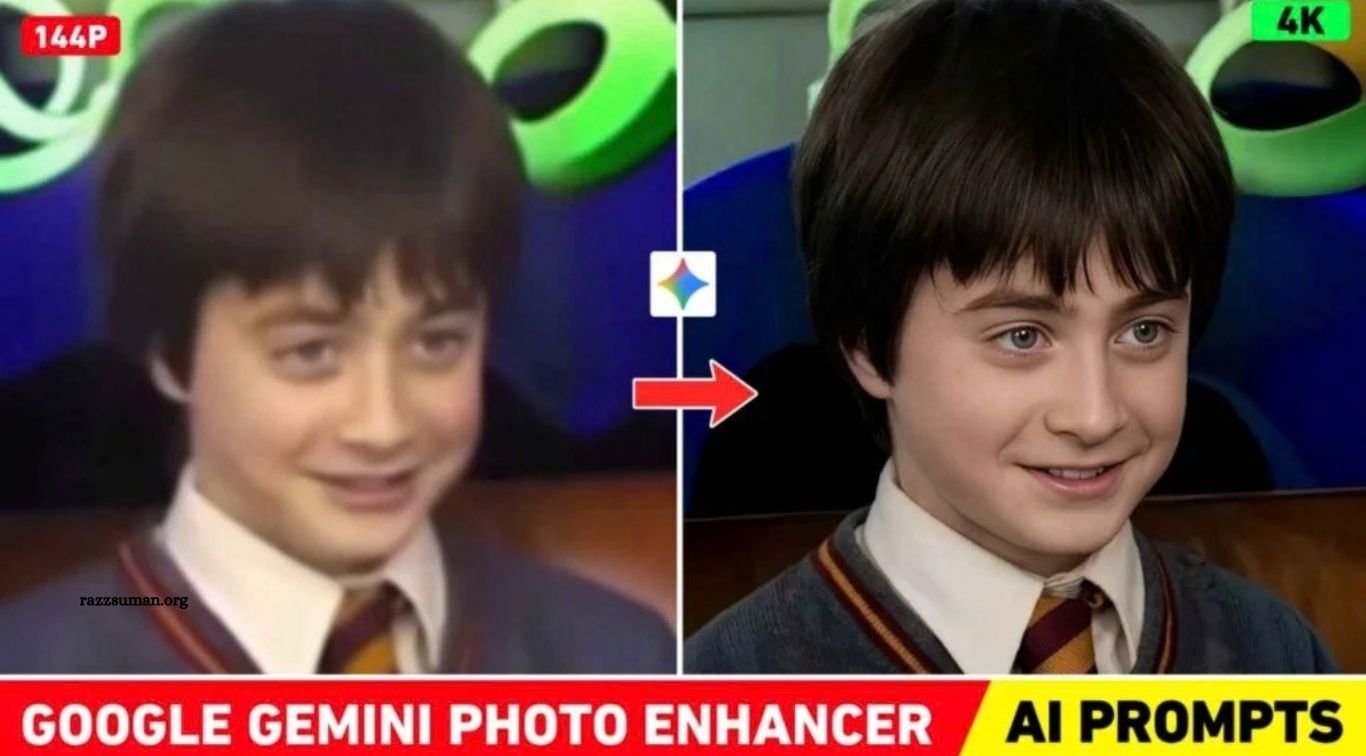
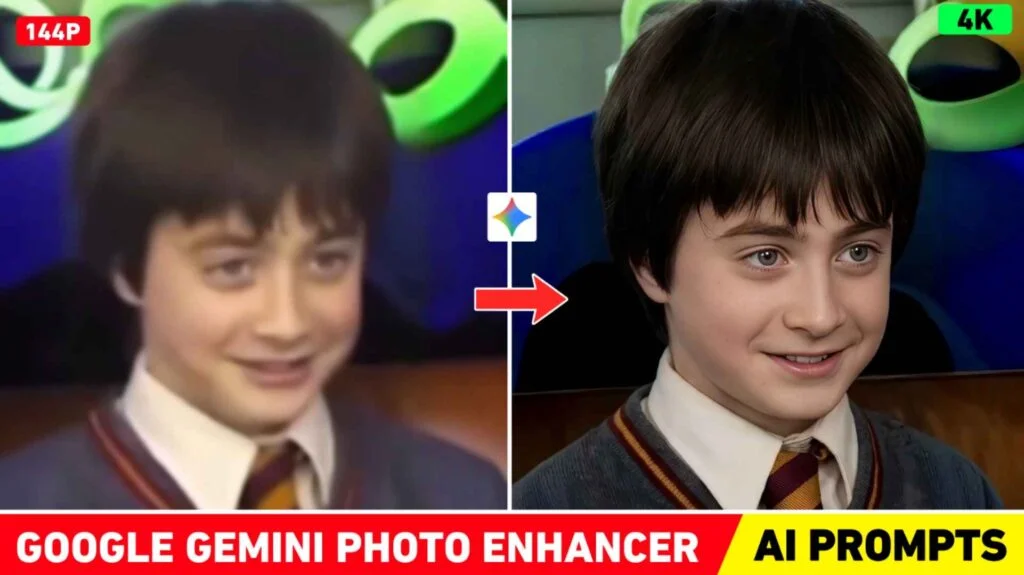
The AI photo enhancer prompts shared in this article are designed to improve the clarity, sharpness, and overall quality of different types of images. Whether your photo is slightly blurry, low-resolution, or lacks detail, the right prompt can help enhance it and give it a clearer, high-definition appearance. As shown in the example, a blurred image can be enhanced with AI while preserving important details, making the results noticeably clearer even when the image is zoomed in.
AI photo enhancement has become increasingly popular on social media, with many users sharing different prompts and techniques. However, the results can vary depending on the prompt and the image being processed. The prompts featured in this article are specifically written to provide consistent photo-enhancement results across a wide range of images, helping you achieve sharper and more detailed visuals with minimal effort.
Should We Use AI or Editing Apps for HD Photos?
The choice between AI and traditional editing apps depends on the condition of your photo and the result you want. If your image is blurry, low-quality, or an old photo that needs improved sharpness and restored details, AI enhancement can be a useful option. On the other hand, if your photo is already clear and you only want to adjust brightness, colors, contrast, or apply a small amount of sharpening, a traditional editing app may be more suitable. However, excessive editing or the wrong tools can make an image look unnatural or reduce its overall quality.
For minor improvements, tools such as Magic Eraser and AI enhancement features available in apps like PicsArt can be helpful. If you want to significantly improve the clarity and details of a low-quality or blurry image, an AI-based enhancer may provide a more comprehensive result. Simply copy the appropriate prompt, upload your photo to Gemini or ChatGPT, add the prompt, and submit it. The AI can then process the image and enhance its overall appearance.
Gemini Photo Enhancer
Enhance the portrait while keeping the exact same face, expression, pose, and background — no changes at all. Only subtle skin cleanup with natural texture (no over-smoothing, no face morphing). Recreate as shot on Sony A1 + 85mm f1.4 (f/1.6, ISO 100, 1/200s) with cinematic shallow depth of field, perfect focus, soft directional light, warm highlights, cool shadows, natural color tone, deeper contrast, subtle film grain. Render in 4K, premium full-frame quality. No new background, no lighting change in direction, no fake glow. NEGATIVE INSTRUCTION.
Enhance Your Photo with Gemini AI or ChatGPT
You can enhance blurry or low-quality photos using both Google Gemini and ChatGPT. These AI tools can help improve image clarity, sharpness, and overall detail with the right prompt. For this guide, we recommend trying Gemini first. Open the Gemini website or app and sign in with your Google account. Then, upload your blurred image using the media or image-upload option, paste the AI photo enhancer prompt provided in this article into the chat box, and submit your request.
Gemini will then process the image and attempt to improve its quality. The enhancement may take a little time, depending on the image and current processing conditions. Sometimes, the preview may not immediately show the best quality, so save the processed image to your device and view the downloaded version in your gallery. You can follow a similar process with ChatGPT by uploading your image and using the provided enhancement prompt.
Frequently Asked Questions
What is a Google Gemini AI Photo Enhancer Prompt?
It is a text prompt that instructs Gemini to improve the clarity, sharpness, and details of a photo.
Can Gemini enhance blurry photos?
Yes, Gemini can improve many blurry or low-quality images, although results may vary depending on the original photo.
Are these Gemini photo enhancer prompts free?
The prompts themselves are free to use, but access to certain Gemini features may depend on your account or plan.
Can I enhance old photos with Gemini AI?
Yes, you can use suitable prompts to improve the clarity and details of old or low-resolution photos.
Is Gemini better than traditional editing apps?
AI is useful for improving overall image details, while editing apps are often better for manual adjustments such as brightness, contrast, and color.
Can I use the same prompt on every photo?
You can use a general enhancer prompt on different images, but results may vary depending on the photo’s quality and content.
Conclusion
Google Gemini AI Photo Enhancer Prompts 2026 make it easier to improve blurry, old, and low-quality photos with just a simple prompt. Instead of relying only on traditional editing apps, you can use AI to enhance image clarity, sharpness, and details in a few simple steps. Try the prompts shared in this article with your photos and see how AI can transform their overall quality.

1 Comment
Pingback: ChatGPT Valentine’s Day AI Photo Editing Prompts 2026 | Best AI Prompts - razzsuman.org