


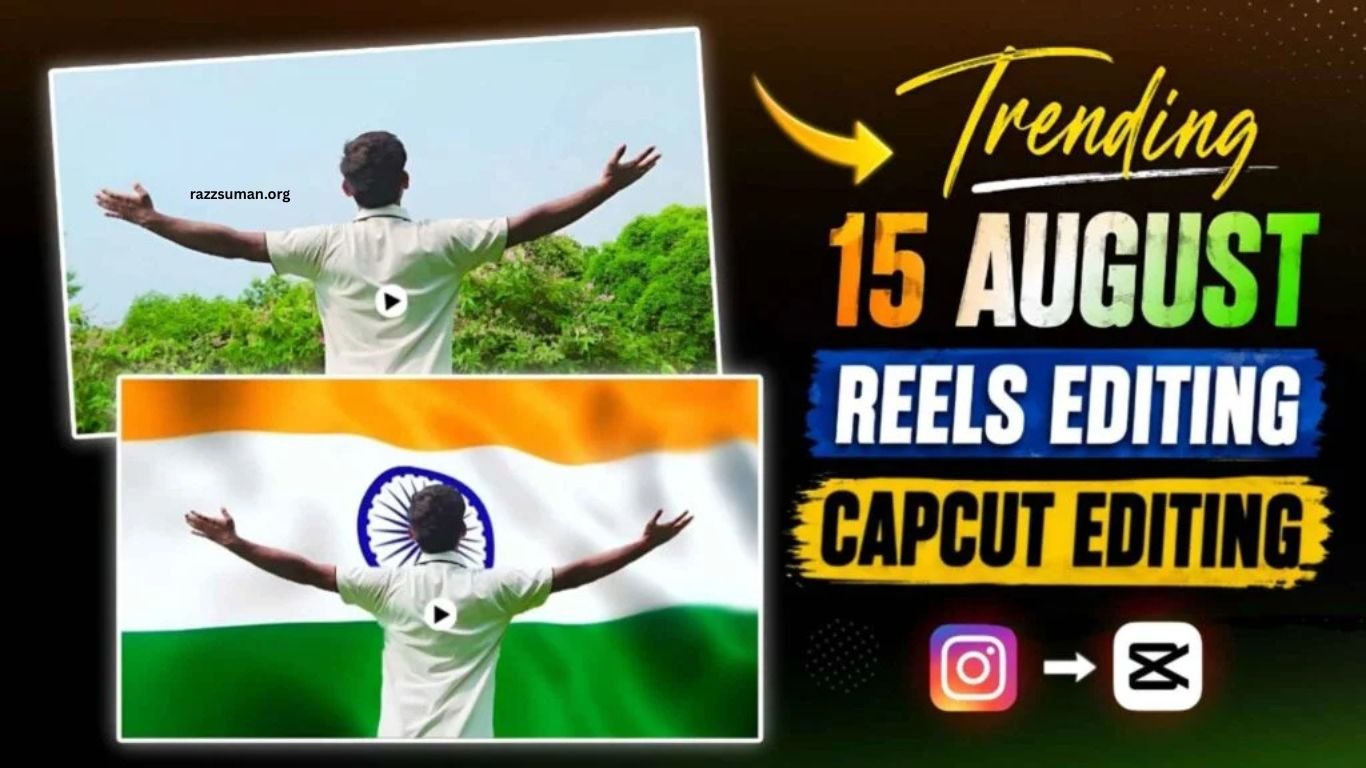
15 August, celebrated as India’s Independence Day, is approaching, and patriotic content is gaining popularity across social media. Young creators are turning their photos and videos into eye-catching content featuring the Indian tricolor, patriotic effects, and creative transitions. Alongside photos, Independence Day reels are becoming especially popular on Instagram and other social platforms.
CapCut and VN make it easy to create these trending 15 August reels without advanced editing skills. A popular style features a person extending both hands while a dynamic tricolor background appears behind them, creating the effect of the Indian flag waving. This guide explains how to create a similar 15 August reel using a CapCut template and simple editing techniques.
Read More: Instagram Viral Motu Patlu AI Video Editing | Best Motu Patlu AI Prompt
15 August Reels Editing Complete Guide
Creating a stylish 15 August reel may look complicated, but the process becomes simple with proper recording and editing. Start by recording your video in an open location such as a terrace, park, ground, or spacious outdoor area. Keep your smartphone steady on a tripod for better results. Stand naturally in front of the camera, look toward it, turn slightly, and slowly extend both hands. This movement provides a smooth transition point for the final edit.
The tricolor background and music-based transitions are the key elements of this reel. You can choose a suitable waving Indian flag video and synchronize it with the music for a patriotic effect. In the trending style, the hand-spreading moment matches a powerful section of the song “Sujlaam Sufalam,” while the tricolor background appears simultaneously. CapCut and VN templates can make the process even easier. Simply add your recorded clip to the selected template, adjust the timing if needed, and export your Independence Day reel.
How to Edit Your Video Manually?
If you have basic video editing skills, you can create this 15 August reel without using a template. The process may seem challenging at first, but after trying it once or twice, the editing steps become much easier. Start by watching a similar Independence Day reel to understand the music timing, transitions, and exact moment when the hand-spreading scene appears. Then record your video with the camera fixed in one position, making sure your upper body and both hands remain completely within the frame. Open the recording in CapCut, VN, or your preferred editing app, remove unnecessary clips, and add your chosen patriotic music.
Next, match your hand movement with the appropriate beat or section of the music. The main editing element is the Tiranga background, which should appear when you spread both hands. Add a waving Indian flag video as an overlay or separate layer and adjust its position and timing according to your footage. If your editing app offers a background removal or cutout feature, use it to separate yourself from the original background. Place the tricolor video behind your cutout to create a clean and engaging Independence Day effect.
15 August CapCut Template
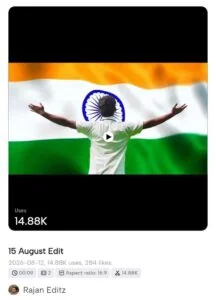
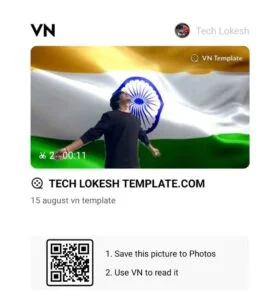
How to Create 15 August Reels Video Using a Template?
If you want to create a stylish 15 August reel without spending much time on manual editing, using a CapCut or VN template is the easiest option. Templates are especially useful for beginners because the music, effects, background, transitions, and video timing are already arranged. You simply need to select the desired template, add your recorded video clip, and let the template create the reel in its designed style.
However, good recording is still important for achieving the best results. If the template requires you to extend both hands, make sure the movement is performed correctly and remains completely within the camera frame. Avoid excessive camera movement or shaky footage, as these can affect the final result. Once you have a clear and properly framed video, add it to the 15 August CapCut or VN
Frequently Asked Questions
What is a 15 August CapCut template?
A 15 August CapCut template is a ready-made video design featuring patriotic effects, music, transitions, and Tiranga-themed visuals.
How can I use a 15 August CapCut template?
Open the template, add your recorded video clip, adjust it if needed, and export the completed reel.
Can beginners create 15 August reels?
Yes, CapCut templates make reel creation simple, even for users with limited video editing experience.
How should I record a video for the template?
Keep your camera stable and ensure your full upper body and hand movements remain within the frame.
Can I edit a 15 August reel manually?
Yes, you can manually add music, transitions, overlays, and Tiranga backgrounds using CapCut or VN.
Can VN be used for 15 August reels?
Yes, VN also supports patriotic reels with music, overlays, transitions, and customizable editing features.
Conclusion
15 August CapCut reels offer a simple way to create attractive Independence Day content without advanced editing skills. Whether you choose a ready-made template or edit your video manually, proper recording, smooth movements, patriotic music, and Tiranga effects can make your reel more engaging. With CapCut or VN, you can quickly transform a simple video into a creative 15 August reel and share your patriotic moments on social media.
